Card Centering Analyzer Tutorial: Mastering Precise Card Centering Analysis
Master card centering analysis with this tutorial. Learn to use a card centering analyzer to measure border ratios and optimize your grading submissions.

Estimated reading time: 8 minutes
Key Takeaways
- Automate precise measurement of card centering in minutes using auto and manual tools.
- Predict PSA, BGS, CGC and other company grade viability to avoid fees and optimize submissions.
- Compare front and back ratios and identify the limiting side for true centering assessment.
- Utilize core features like AI border detection, grading tables, batch uploads, and offline ruler integration.
- Integrate centering analysis seamlessly into broader workflows to build smarter submission lists.
Table of Contents
- Introduction
- What Is a Card Centering Analyzer?
- Benefits and Applications
- Prerequisites and Tools You’ll Need
- Installation and Initial Setup
- Step 1: Capture or Upload Your Card Images
- Step 2: Auto-Detect Card Borders
- Step 3: Manual Adjustment for Precision
- Step 4: Review Calculated Centering Ratios
- Step 5: Compare Against Grading Standards
- Step 6: Save and Organize Your Results
- Core Features of Modern Analyzers
- Best Practices
- Frequent Problems and Solutions
- Expert Workflow Enhancements
- Integrating into a Broader Grading Workflow
- Wrapping Up Your Card Centering Analyzer Tutorial
- FAQ
Introduction
This card centering analyzer tutorial shows collectors how to use a centering tool to measure and improve card centering. A card centering analyzer is a software or hardware tool that measures border widths and calculates centering ratios for trading cards. Early insight helps avoid grading fees and boosts your chances of a Gem Mint grade by addressing even small deviations (for example, 55/45 vs. 60/40).
For a fast, web-based solution, try the Card Centering Tool, which automatically measures border centering and flags PSA, BGS, and CGC tolerances before you submit.
What Is a Card Centering Analyzer?
A card centering analyzer automates and quantifies how centered a card’s design is within its borders. For a manual approach, see our How to Measure Card Centering: A Step-by-Step Guide for Collectors.
Key Terms:
- Centering ratio: The percentage comparison of opposite borders (e.g., 55/45). Near-perfect cards aim for close to 50/50.
- Front and back centering: Grading uses the worse side’s ratio for final centering marks. You must upload and check both sides.
- Auto-detection vs. manual adjustment: AI and image processing detect edges automatically. Then you drag guide handles to fine-tune inner border positions.
- Grading standards reference: Built-in tables map ratios to PSA, BGS, CGC, SGC, TAG, ACE criteria for quick comparison.
Benefits and Applications
Using a centering analyzer offers clear advantages:
- Predict potential grades before submission and avoid wasted fees (Save Grading Fees Centering).
- Identify the optimal grading company based on your card’s centering.
- Streamline large submissions by filtering out poorly centered cards.
- Produce objective, repeatable measurements instead of eyeballing.
- Work across sports cards and TCG cards—Pokémon, Magic, Yu-Gi-Oh!, etc.
Prerequisites and Tools You’ll Need
Before diving into this centering analyzer tutorial, gather your tools:
- Card centering analyzer app or web tool
- Physical centering ruler or printed grid (optional) – Demo video.
- Clean trading cards removed from sleeves or top loaders
- A camera or scanner for straight-on, top-down images
- Basic knowledge of your target grading company’s centering criteria
Installation and Initial Setup
- Install a centering analyzer app or open a web tool.
- (Optional) Create an account to save and organize analyses.
- Configure your default grading company, units (mm or pixels), and guide colors.
- Prepare your workspace: use a solid, non-reflective background and even lighting.
Step 1: Capture or Upload Your Card Images
- Place your card flat on a solid background.
- Use a camera or scanner for a straight-on, top-down image.
- Upload the front image via the tool’s camera or file upload feature.
Step 2: Auto-Detect Card Borders
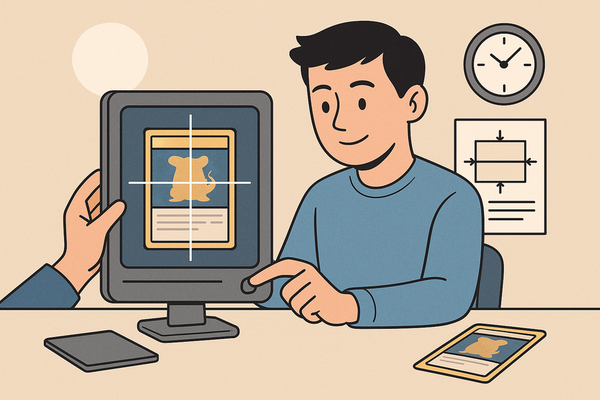
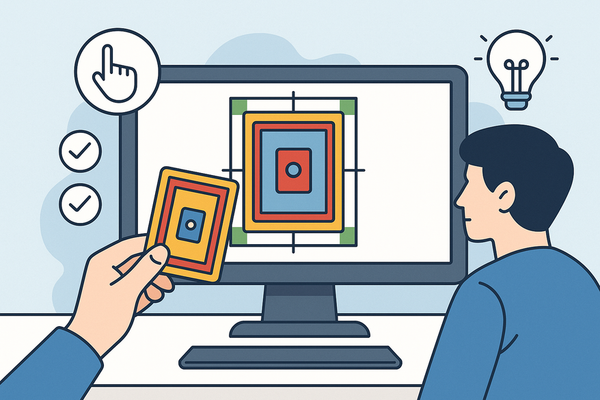
- The centering tool auto-detects left, right, top, and bottom guides.
- AI or image-processing algorithms mark the card’s printed border edges.
Step 3: Manual Adjustment for Precision
- Drag guide handles to the exact inner edge of printed borders.
- Use zoom or loupe tools for sub-millimeter accuracy.
Step 4: Review Calculated Centering Ratios
View raw measurements (mm) and percentages (e.g., 45%/55%). Upload the back image and see which side limits the overall grade.
Step 5: Compare Against Grading Standards
Use built-in tables to match ratios to PSA, BGS, CGC, SGC, TAG, ACE cutoffs (see our PSA vs BGS vs CGC: Centering Tolerances Compared for detailed thresholds at each grade level).
Step 6: Save and Organize Your Results
- Save images, centering ratios, and predicted grades in the app library.
- Tag by set, sport/TCG, target grade, or submission batch.
- For physical tools, record measurements in a spreadsheet.
Core Features of Modern Analyzers
- AI-powered auto border detection for speed and accuracy.
- Combined front & back centering verdicts to reflect grading company gating.
- Multi-company grade comparisons (PSA, BGS, CGC, SGC, TAG, ACE).
- Integrated grading standards reference tables.
- Advanced settings: sensitivity, guide colors, detection toggle.
- Off-center visualization previews (65/35, 75/25 presets).
Best Practices
- Always verify auto-detected guides with manual adjustment.
- Use zoom tools on high-value cards for greater precision.
- Measure consistent reference points across cards.
- Save results immediately to avoid re-measuring.
Frequent Problems and Solutions
Frequent Problems
- Borders not detected on borderless or foil cards.
- Angled or distorted images leading to skewed ratios.
- Inconsistent readings due to lighting or background changes.
- Mis-identified borders in multi-frame or embossed cards.
Solutions and Tips
- Retake straight-on photos on a solid, contrasting background.
- Manually override auto-detection and use zoom for precision.
- Standardize camera distance and lighting setup.
- Choose clear alignment points (logo edges or frame lines).
- Always measure both sides to confirm the limiting centering ratio.
Expert Workflow Enhancements
- Batch photo or scan multiple cards, then perform batch uploads.
- Pre-filter off-center cards using 65/35 or 75/25 visualization presets.
- Focus detailed measurement on high-value or borderline cards.
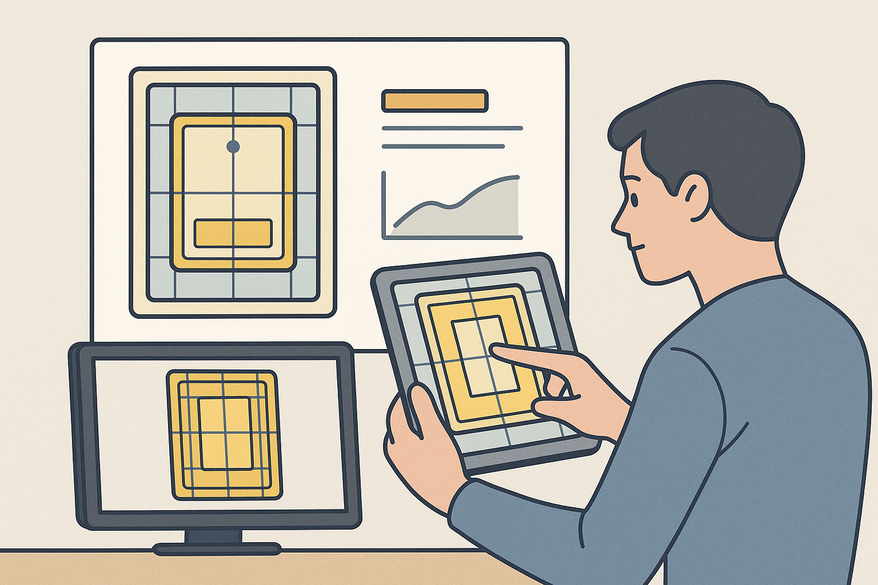
- Cross-check digital readings with a physical centering ruler for critical cards.
- Use built-in databases to build optimized submission lists by grade and company.
Integrating into a Broader Grading Workflow
- Acquisition & cleaning: remove sleeves, inspect surface.
- Centering analysis & grade prediction with the analyzer.
- Edge, corner, and surface inspections (AI tools or manual loupe).
- Submission planning: choose company, target grades, estimate fees.
- Post-grade tracking: compare actual grades to analyzer predictions to refine your approach.
Wrapping Up Your Card Centering Analyzer Tutorial
This card centering analyzer tutorial covered:
- Definitions and why centering matters.
- Prep steps and tool setup.
- A detailed six-step analysis process.
- Core features, best practices, troubleshooting, and advanced tips.
- Workflow integration for optimum grading submission.
By applying this tutorial, you’ll gain objective centering data, predict grades with confidence, and build smarter submission lists. Comment below with your questions, share your experiences with different centering tools, or request deeper dives into mobile vs. web vs. physical analyzers.
FAQ
- How accurate is a card centering analyzer?
- Most modern analyzers offer sub-millimeter precision and can detect centering ratios within ±0.5%, ensuring reliable grade predictions.
- Can I use the tool for both sports cards and trading card games?
- Yes, these analyzers work across various card types, including Pokémon, Magic, Yu-Gi-Oh!, and sports cards, thanks to customizable frame and logo detection.
- Do I need a paid subscription for advanced features?
- Basic centering analysis is free on most web tools; premium plans unlock batch uploads, historical data, and multi-company grade comparisons.
- What’s the best way to ensure accurate border detection?
- Use consistent lighting, a solid background, and straight-on photos or scans. Always verify auto-detected guides and adjust manually if needed.