How to Check Card Prices: A Step-by-Step Guide
Learn how to check card prices accurately, compare raw vs graded values, and use the best card price checker app like Midpoint for top results.


Estimated reading time: 8 min
Key Takeaways
- Learn the difference between raw and graded card values and why it matters.
- Use trusted sources like Midpoint, TCGplayer, eBay, PSA, and Cardmarket for pricing insights.
- Understand how card condition, rarity, and population reports can influence price.
- Discover how to check recent sold prices instead of just asking prices.
- Find out considerations for selling raw or graded cards to maximize value.
Knowing how to check card prices is important for collectors and sellers who want to understand the potential value of their trading cards. Whether you collect Pokémon, Magic: The Gathering, Yu-Gi-Oh, One Piece, or sports cards, learning price lookup techniques can help you make more informed decisions about buying, selling, or holding your collection. This guide walks you through the step-by-step process of checking card prices, explains the difference between raw and graded values, and shows you how to use tools like Midpoint to get AI-powered grading estimates and price comparisons across many cards.
Step 1: Identify Your Card Precisely
The first step in checking your card’s value is to identify it accurately. This means knowing the card’s name, set, player or character, card number, and edition. Many card price databases and marketplaces require these details to return relevant pricing information.
To do this:
- Look at the card’s front and back to note the set symbol, year, and card number.
- Use online resources or apps like Midpoint to scan or search by card name and set.
- Confirm the card’s version (e.g., first edition, holographic, or promo).
Accurate identification helps avoid confusing similar cards that may have different values.
Step 2: Understand Raw vs Graded Card Values
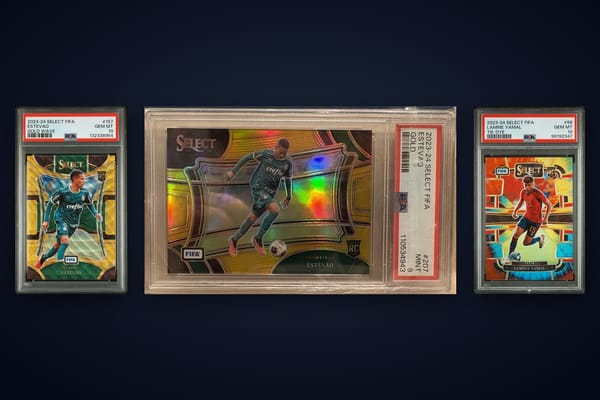
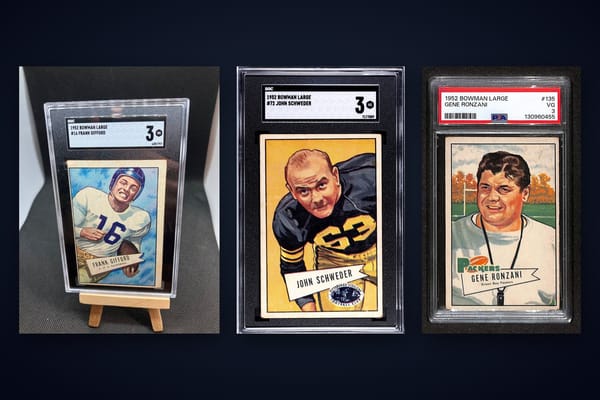
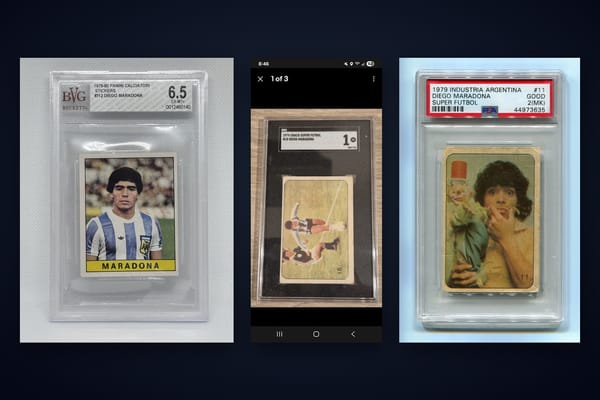
Card prices often differ between raw (ungraded) and graded cards. Graded cards have been professionally inspected and assigned a condition grade by companies like PSA, BGS, CGC, or TAG. Grading can increase a card’s value, especially for high grades, though this is not guaranteed.
Key points to note:
- Raw cards are sold based on visual condition and market demand but carry more risk for buyers.
- Graded cards come with a certified grade that indicates condition quality and authenticity.
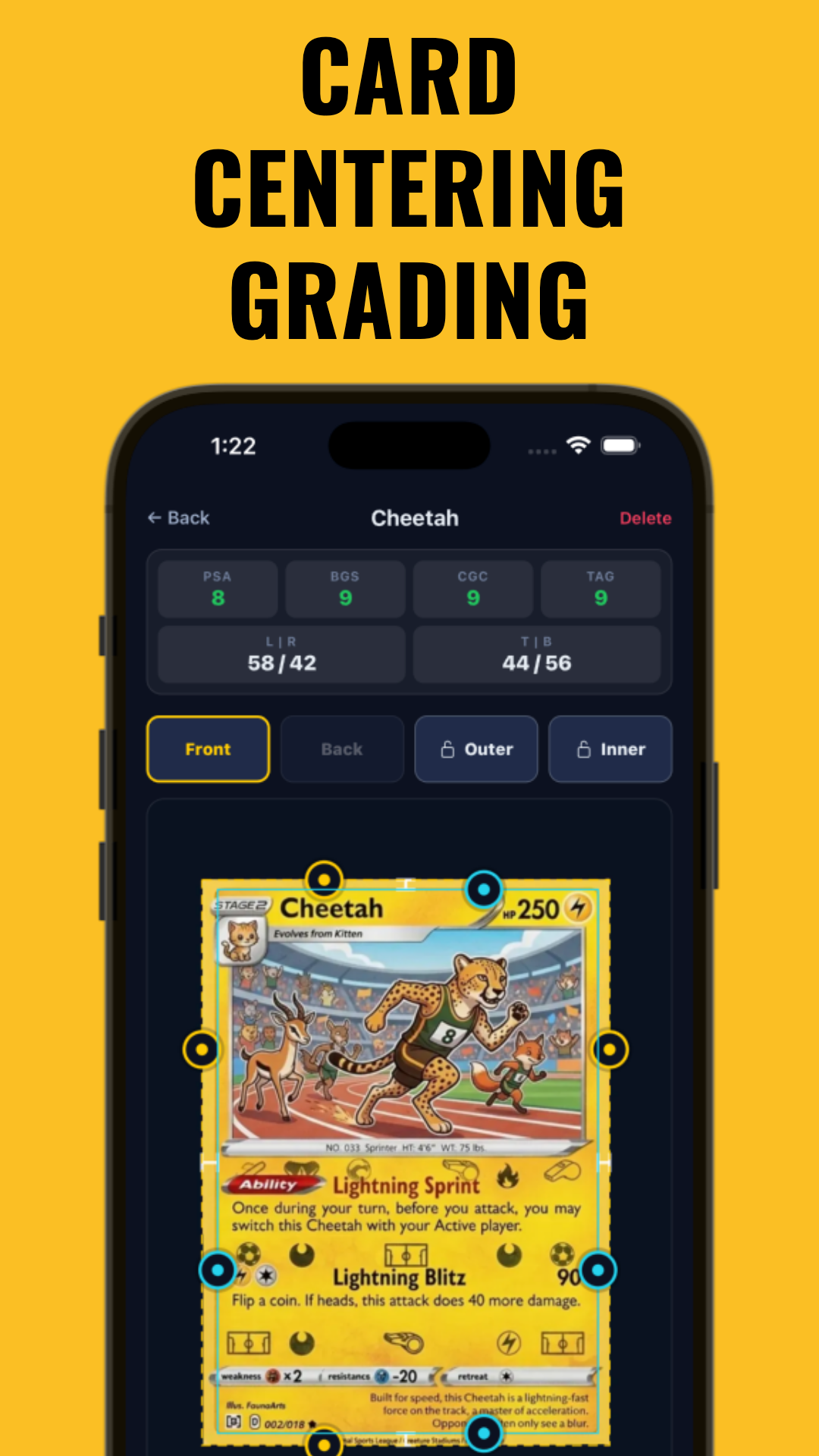
- Midpoint’s AI grading tool estimates PSA, BGS, CGC, and TAG grades based on centering, corners, edges, and surface — which can help you decide whether grading might be worth the cost.
Learning how to compare raw vs graded values can help you price your cards more accurately.
Step 3: Use Multiple Price Sources
To get a more complete picture of your card’s value, consult multiple pricing platforms. Each source has strengths and different market coverage.
Common price sources include:
- TCGplayer: Useful for trading card games like Pokémon, Magic, and Yu-Gi-Oh; offers price trends and listings.
- eBay: Check the "sold" listings to see actual sale prices rather than asking prices.
- PSA, BGS, CGC population reports: Show how many graded cards exist at each grade, which can impact scarcity and value.
- Cardmarket: Popular in Europe for various card games and sports cards.
- Midpoint: Combines raw and graded values with AI grading and centering measurement for many cards.
Cross-referencing these sites can help you see a realistic price range and recent market activity.
Step 4: Check Card Condition and Grading Factors
Condition is a major factor affecting card value. Even a rare card can lose value if it’s damaged, bent, or has poor centering.
Things to evaluate include:
- Centering: The alignment of the card’s image; poor centering can lower value. Tools like Midpoint’s card centering calculator can help measure centering.
- Corners and edges: Look for whitening, fraying, or dents.
- Surface: Check for scratches, stains, or print defects.
- Grading scale differences: Understand how PSA, BGS, CGC, and TAG differ in grading standards by reading guides such as Grading Scale Differences by Company.
Using AI-based grading apps like Midpoint can help you estimate a professional grade before submitting your card, potentially saving you money and time.
Step 5: Look Up Recent Sold Prices Instead of Asking Prices
Many sellers list cards at inflated prices hoping for a buyer to accept them. To avoid overestimating your card’s worth, it’s advisable to check recent sold prices or completed auctions.
Tips:
- On eBay, use the "Sold Listings" filter to view actual transactions.
- On TCGplayer and Cardmarket, check price history and recent completed sales.
- Midpoint aggregates market data and shows price trends to help you understand if a card’s price is rising, stable, or falling.
This approach helps you price your card competitively and realistically.
Step 6: Decide Whether to Sell Raw or Grade Your Card
Deciding to sell raw or graded depends on your card’s condition and value. Grading costs typically start around $30 per card but can increase its value if you receive a high grade.
Consider:
- Using Midpoint’s AI grading feature to get an estimated PSA, BGS, or CGC grade before submission.
- If estimated grade is low, selling raw might be preferable.
- If estimated grade is high (e.g., PSA 9 or 10), grading could increase selling price.
- Factor in population reports that show how many similar graded cards exist; low population cards often command premium prices.
Reading guides like Card Grading for Low Population Cards can assist in making this decision.
Step 7: Use a Card Value Scanner or App for Quick Lookup
If you have many cards to price or want instant estimates, use a card value scanner app like Midpoint. It offers:
- Photo-based card identification with AI grading and centering measurement.
- Instant lookup of raw vs graded values from multiple games including Pokémon, Magic, Yu-Gi-Oh, One Piece, and sports cards.
- Portfolio tracking features to monitor your collection’s total value over time.
This can streamline the pricing process and help you make decisions on the go.
Tips & Common Mistakes
To get the most accurate card price, avoid these mistakes:
- Don’t rely solely on sticker or asking prices — always check sold comps.
- Don’t ignore card condition — even slight damage can reduce value.
- Avoid submitting cards for grading without pre-grading; Midpoint’s AI grading can help reduce costs and disappointment.
- Be cautious of reprints or fake cards that may look authentic but have little to no value.
- Don’t price cards without considering population reports; rarity affects demand and price.
Use tools like Midpoint and trusted databases to stay informed and avoid overpaying or underselling your cards.
Conclusion
Knowing how to check card prices accurately is important for any collector or seller. By identifying your card correctly, understanding raw vs graded values, consulting multiple price sources, and factoring in condition and grading, you can determine a realistic and fair market value. Leveraging apps like Midpoint with AI grading and centering tools can help you save money and make smarter choices on grading and selling. Remember to check recent sold prices and monitor market trends to better understand your collection’s potential worth.
FAQ
How do I check how much my trading card is worth?
Start by accurately identifying your card’s name, set, and number. Then, use trusted sources like Midpoint, TCGplayer, eBay sold listings, and PSA population reports to compare raw and graded values. Checking recent sales is important to find current market prices.
What is the best website to look up card prices?
There isn’t one single best site, but popular options include Midpoint for AI grading and combined raw/graded prices, TCGplayer for trading card games, eBay sold listings for real market sales, and PSA or BGS for graded card population data.
How do I find sold prices for my card on eBay?
Search for your card on eBay, then filter the results by selecting "Sold Listings" under the advanced search options. This shows completed sales with actual transaction prices rather than asking prices.
How do I check graded card values?
Use grading company population reports (PSA, BGS, CGC) to understand rarity at each grade level. Combine this with recent sales of graded cards on marketplaces and use apps like Midpoint to estimate grading and price.
Is there a free card price checker app or scanner?
Yes, Midpoint offers a free app on iOS and Android that scans cards, estimates grades with AI, and shows raw vs graded values across many card games and sports cards.
How do I know if my card price should be based on condition or recent sales?
Condition heavily influences price, so assess your card’s centering, edges, corners, and surface carefully. Then check recent sold prices for cards in similar condition to set a realistic asking price. Using AI grading tools can help standardize this process.
Free to start
Try the Midpoint app
Grade any card from a photo, see its raw and PSA 10 value, and track what your collection is worth — free.
Get it on iPhoneGet it on Android