Card Centering Analyzer Tutorial: The Ultimate Guide to Accurate Trading Card Centering
Discover how to use a card centering analyzer tutorial to accurately measure trading card centering and predict grading outcomes for PSA, BGS, and CGC.

Estimated reading time: 6 minutes
Key Takeaways
- Define and use a card centering analyzer to measure border widths accurately
- Understand the centering ratio formula and grading tolerances for PSA, BGS, CGC
- Gather the right equipment and choose between mobile apps or web tools
- Follow a step-by-step workflow: capture, auto-detect, adjust guides, read ratios
- Apply best practices: multiple shots, raw cards, front and back checks for precise grading decisions
Table of Contents
- What Is a Card Centering Analyzer?
- Why Centering Matters & How Analyzers Work
- Requirements & Installation
- Step-by-Step Guide to Measuring Centering
- Best Practices & Advanced Tips
- Try the Card Centering Tool Today
What Is a Card Centering Analyzer?
A card centering analyzer is software or a device that:
- Captures or uploads a card image
- Measures each border’s width
- Calculates the centering ratio automatically
- Predicts grading outcomes for PSA, BGS, CGC and more
Purpose of this tutorial:
- Show collectors how to set up, measure, and fine-tune centering
- Provide advanced tips for precise evaluations
- Help you decide which cards deserve grading and which belong in your binder
Why Centering Matters & How Analyzers Work
Centering is one of the four subgrades (along with corners, edges, surface) that determine a card’s final grade. Human eyes can be fooled by slight tilts or glare. A centering calculator removes guesswork using precise measurements (see our full manual approach in How to Measure Card Centering: A Step-by-Step Guide for Collectors).
Key Principles
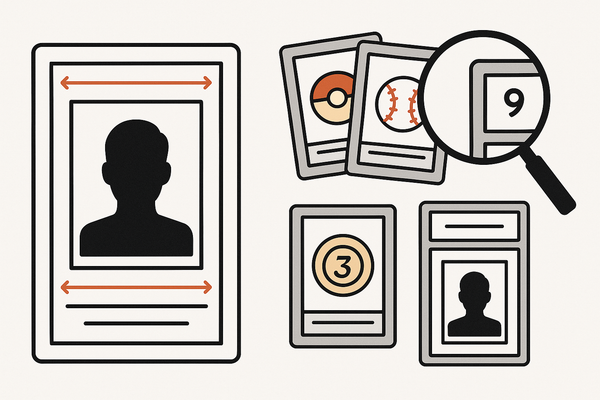
- Border measurement: Measure left vs. right and top vs. bottom widths
- Centering ratio formula: larger ÷ (larger + smaller) × 100 (e.g., 1.8 mm ÷ (1.8 mm + 1.2 mm) × 100 ≈ 60/40)
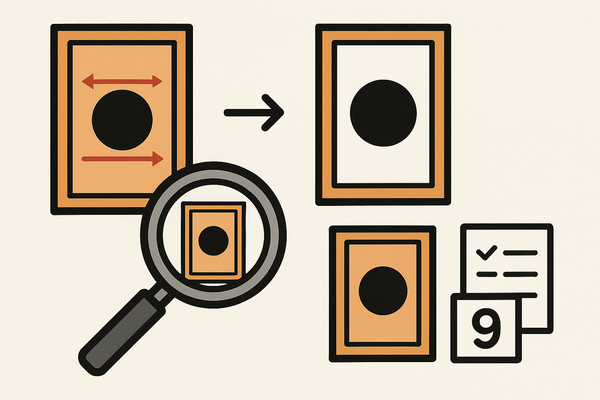
- Perspective correction: Auto-straightens angled shots
- AI/computer vision: Auto-detects edges for one-tap measurements
Compare your results against grading tolerances in PSA, BGS, and CGC—learn more in Card Grading Centering Standards: PSA, BGS, CGC, SGC & TAG Compared.
Requirements & Installation
Before you start, gather:
- Device: Smartphone/tablet (iOS/Android) or desktop with Chrome/Safari/Firefox
- Camera/Scanner: Phone camera or flatbed scanner for precision
- Environment: Flat, non-reflective surface; plain background; diffused lighting
- Card: Raw card without sleeve/top loader
Option A: Mobile App
- Open App Store or Google Play
- Search “Card Centering Calculator” and install
- Grant camera and photo library access
- Follow onboarding to learn auto-detect and manual guides
Option B: Web Tool
- Visit CardGrade’s centering page or PriceCharting’s calculator
- Review photo guidelines: orientation, lighting, background
- Upload or scan your card image
- Wait for processing and view centering ratios
Step-by-Step Guide to Measuring Centering
This walkthrough applies to most apps and web tools:
- Place a raw card on a flat, non-reflective surface
- Capture or upload—a straight-on shot with a margin (see the YouTube demo)
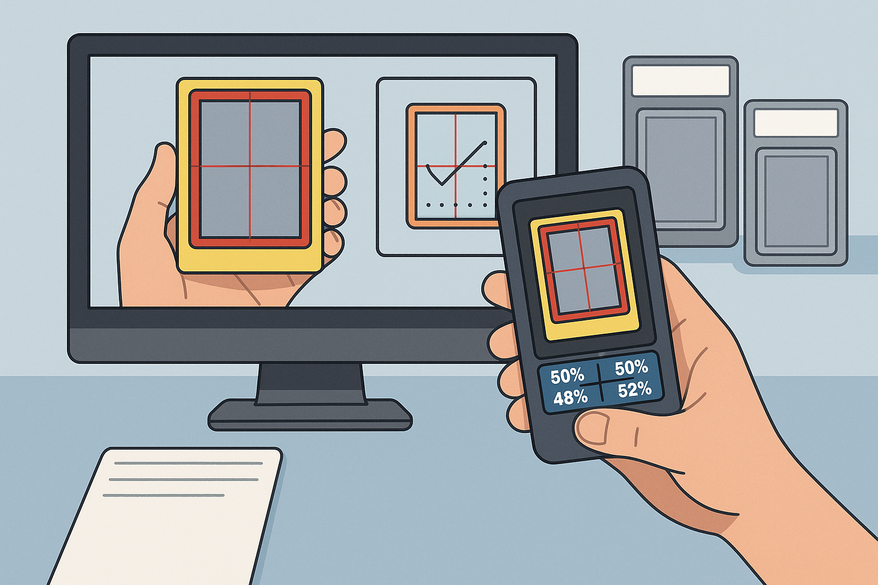
- Auto-detect borders; wait for the overlay
- Fine-tune guides along the inner border edges using zoom
- Read centering ratios (e.g., 60/40 LR, 55/45 TB) and projected grades
- Decide grade-worthy vs. binder
For deeper fundamentals and beginner tips, check out Card Centering Basics: Essential Tips for Accurate Sports Card Grading or follow a step-by-step card centering analyzer tutorial for a more detailed workflow.
Best Practices & Advanced Tips
- Take multiple photos and average borderline results
- Keep the card straight to avoid distortion
- Remove sleeves/top loaders to minimize reflections
- Check both front and back; the worse side sets the subgrade
- Use custom grading profiles for PSA 10, BGS 9.5, CGC Pristine, etc.
Try the Card Centering Tool Today
Card Centering Tool is a web app that measures how well-centered your trading cards are before you submit them for professional grading. Stop wasting submission fees on cards that will never reach Gem Mint.
FAQ
Q1: Why do results vary between photos?
Even slight angle or lighting changes alter detection; average multiple straight-on shots.
Q2: Can I leave cards in sleeves?
Reflections and extra edges reduce accuracy; raw cards are best.
Q3: Do I need to check the back?
Yes—grading companies use the worse side for subgrades.
Q4: What centering qualifies for PSA 10 or BGS 9.5?
Use in-app standards or official guides for exact thresholds. For a comprehensive breakdown, see the ultimate user guide for accurate grading predictions.
Q5: Is this a replacement for professional grading?
No—it’s a decision-support tool. Final grades include surface, corners, and edge evaluations.